How to Setting Staff Role (Access Right)
Go to Management > Employee > Roles:
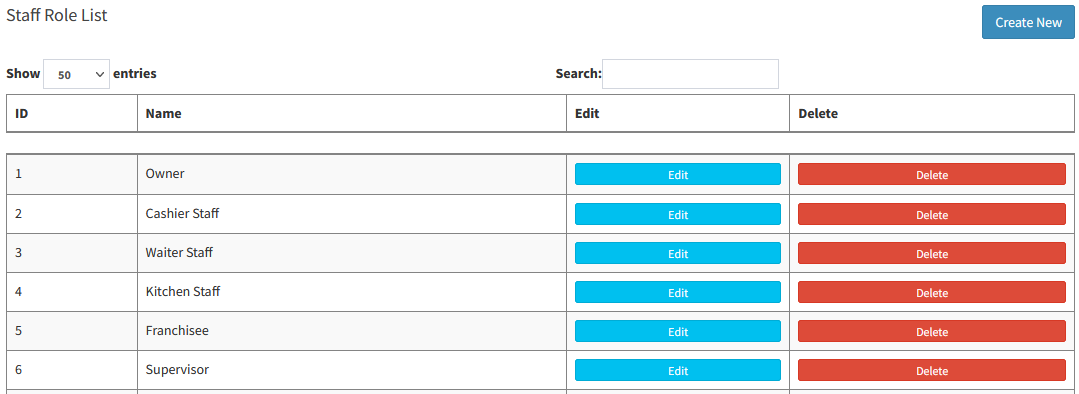
- Can create new staff role
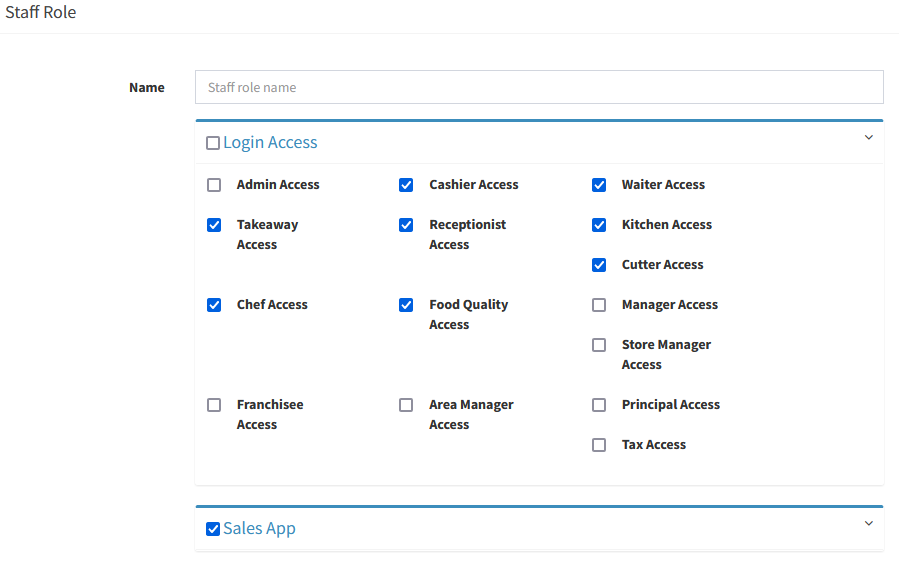
- Or edit existing user role
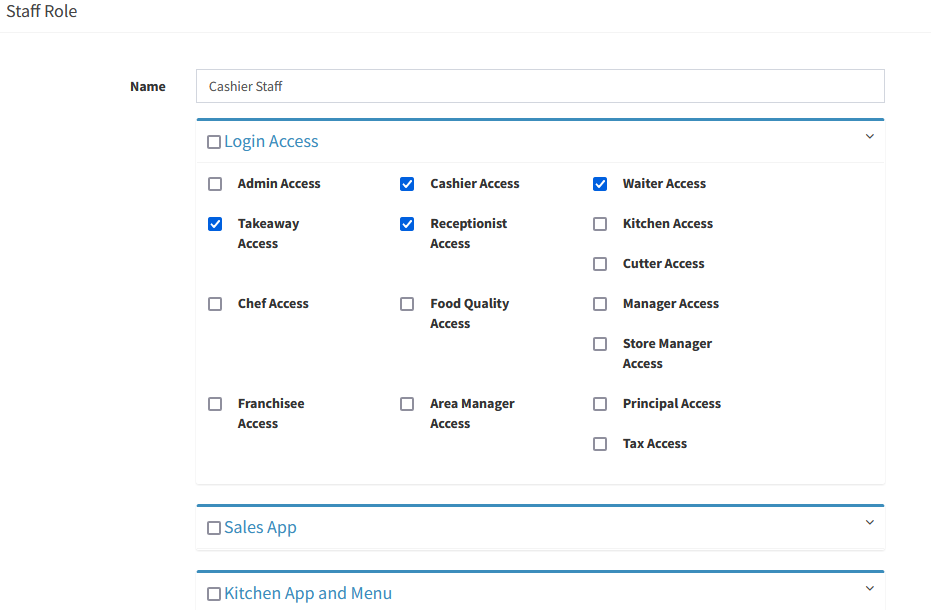
- Access Right Control including:
(1) Login Access
(2) Sales App
(3) Kitchen App and Menu
(4) Dashboard View
(5) Ingredient & Stock Control
(6) Purchasing Control
(7) Ingredient Sale Control
(8) Product Category Control
(9) Product Control
(10) Supplier Control
(11) Customer Control
----------------------------------------------------------------------------------------------------------------------------------------------------------
Please refer to the video below for more information:
Still stuck?
Our team is happy to walk you through this step by step.